Case Study · Dentistry · Chicago
Northside Dental.
A 26-page rebuild for a Chicago dental practice. Real people. Clear services. An easier path to an appointment.
Visit the live website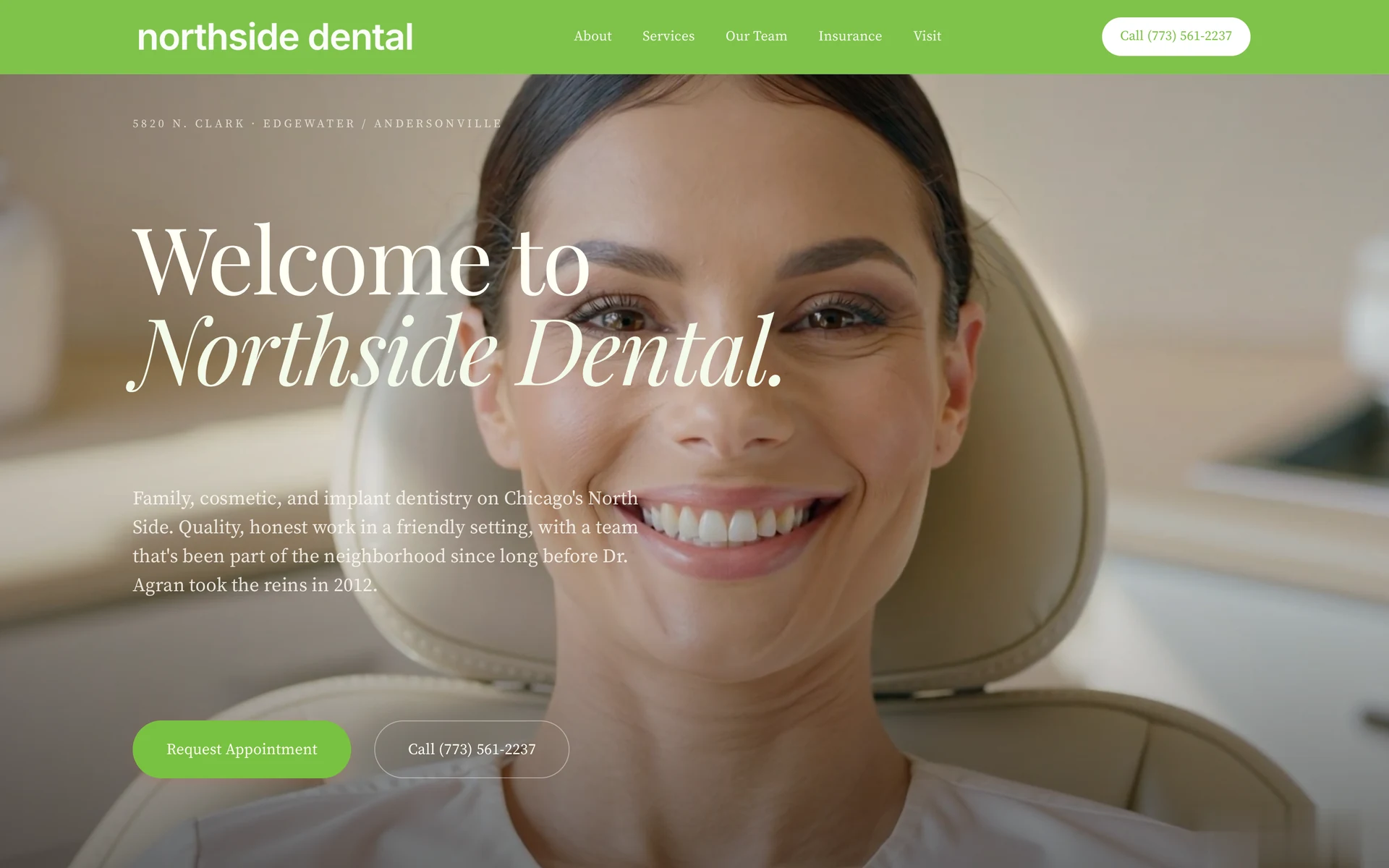
Just in month one.
20%+
more new patients.
- Previous monthly average
- 47
- New patients in August
- 57
20%+ more new patients in the first month (57 vs a prior average of 47, practice-reported).
This client-reported change is not a controlled test of the website’s impact or a prediction of future results. Download the one-page proof sheet
How the result is calculated
The practice reported 57 new patients in August versus a previous monthly average of 47. That is 10 additional new patients: (57 - 47) / 47 = approximately 21.3%, summarized here as 20%+.
These are practice-reported patient counts, not website visitors or form submissions. The report does not identify the acquisition source of each patient or establish how much of the change came from the website.
Results reflect this practice and this reporting period.
The brief
A neighborhood practice, presented at its real level.
Four doctors. A team patients know by name. A neighborhood practice in Edgewater and Andersonville that deserved a website to match.
A calm welcome. The practice’s own green. A clear appointment path throughout.
The build
Every page a patient could ask for.
All seven service lines. Doctor profiles. Insurance guidance. Appointment requests and tap-to-call. Built from the practice’s own information.
Planning a similar project? Explore our dental website design service. See what changes a website quote, including the customer journey, the move from your current site and life after launch. For a group, explore DSO and multi-location website design.
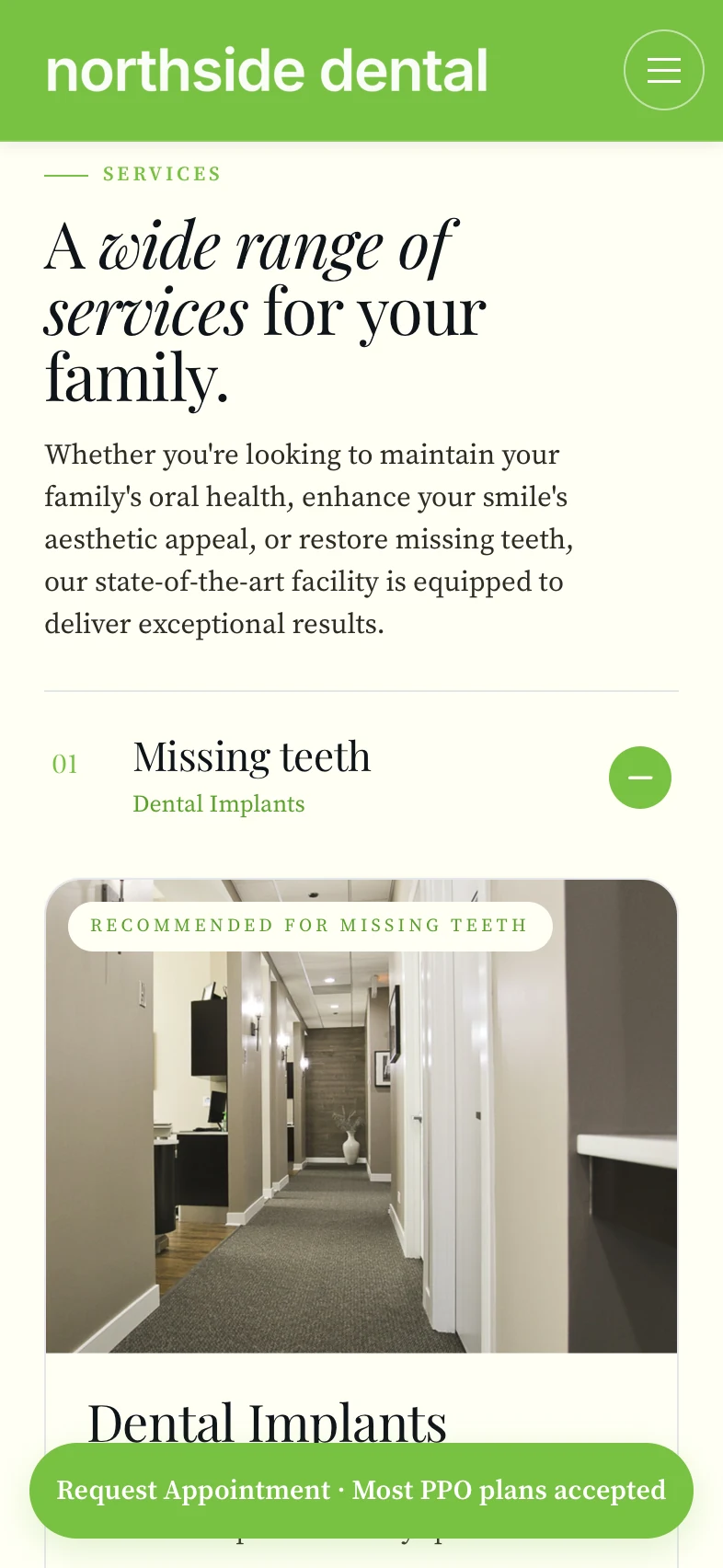
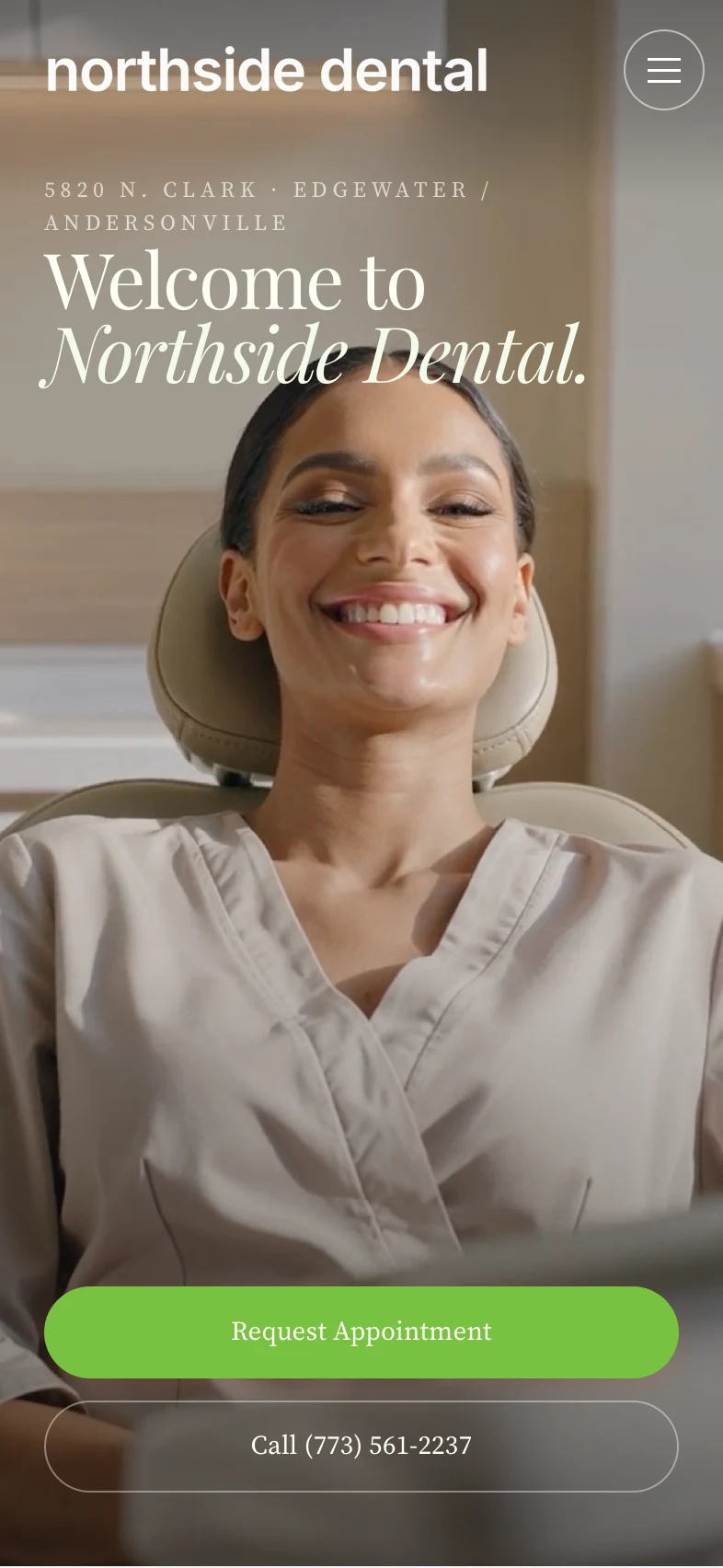
Inside the project
Family & General Dentistry · Cosmetic Dentistry · Teeth Whitening · Porcelain Veneers · Orthodontics · Dental Implants · Periodontal Care · Our Team · Insurance · Visit & Contact
The challenge
Make the next step clear.
A dental website has to answer several questions before a visitor is ready to request an appointment: Is this the right practice? Does it offer the care I need? Who will I see? How do I get in touch?
For Northside, the work brought those decisions into a patient-facing structure. The case study documents a full-site rebuild, with treatment information, doctor profiles, insurance guidance and appointment paths. The design uses the practice’s own green and real people, keeping the presentation connected to the business patients will visit.
Explore the live treatment pages alongside the homepage. The point is not simply to count pages. It is to see whether someone can move from a question about care to a relevant next step without having to start their search again.
Reading the work
The experience.
And the evidence.
Start on a phone.
Use the mobile views above to examine the hierarchy: the practice, the services and the appointment route. Then open the live website and follow the same path. A screenshot shows the presentation. The working site shows how navigation, treatment information and contact choices fit together.
Keep requests and patients separate.
The reported result concerns new patients, not website conversions. An appointment-button click, a submitted request and a completed visit are different events. A practice comparing a redesign should record them separately, using consistent reporting periods and the same definition of a new patient.
Read the reporting window correctly.
The result covers the first month after launch, with August identified in the practice’s report. It is not a month-by-month growth series. The historical PageSpeed measurements below describe a technical test, not a patient-acquisition result. Neither establishes a guaranteed outcome for another website.
Apply the right comparison.
For your own project, compare the patient questions, services, providers and appointment routes that need to be covered. For a dental group, also compare each office’s information and booking destination. Northside is a single-practice example. It should not be presented as evidence of a multi-location rollout or group-wide growth.
Project questions
What this example tells you.
What did WTM build?
A custom website rebuild covering Northside’s services, doctors, insurance information and appointment paths. The scope and mobile views shown here describe the website work, while the result panel separately reports the practice’s patient counts.
Does 20%+ mean 20 additional patients?
No. The reported count rose from a prior monthly average of 47 to 57, a difference of 10. Dividing that difference by 47 gives approximately 21.3%, summarized as 20%+. The percentage and the number of people are different measures.
Was the increase caused by SEO?
The practice-reported counts do not establish the source of each patient or isolate the effect of the website. We do not describe this as a controlled SEO result, a guarantee or evidence of continuing monthly growth.
How do I discuss a similar website?
Share your current practice website and what you want patients to do more easily. Start with a free homepage concept, then agree your project’s scope and quote. If existing URLs need to move, review the website redesign SEO checklist before planning the launch.
The details
Built with care. Measured in detail.
The finished build, measured with Google PageSpeed Insights.
- Accessibility · PSI mobile
- 100
- Best Practices · PSI mobile
- 100
- SEO · PSI mobile
- 100
- Layout shift (CLS)
- 0
- Main-thread blocking (TBT)
- 0ms
Source: Google PageSpeed Insights (Lighthouse), mobile strategy, measured July 2026 on the WTM production build. Lab scores vary slightly run to run.
Explore the experience
Walk it the way a patient would.
Explore the services. Meet the team. See it on your phone.