
DSO website design.
Built for multi-location dental groups.
Planning a dental-group redesign? See a free homepage concept for one practice, then agree the scope and quote for your group. Custom-built. Nationwide.
One practice URL. Your location count. No full brief needed.
What is DSO website design from WTM?
A DSO website gives every office its own location page and a book button tied to that office's schedule, built from one shared template. WTM Studio builds these for multi-location dental groups nationwide. It starts with a free homepage concept for one practice. Then we agree the scope and quote for your group.
Inside the work
See the path.
From interest to action.
Explore the patient journey at Northside and the multi-location structure at Back to 30.
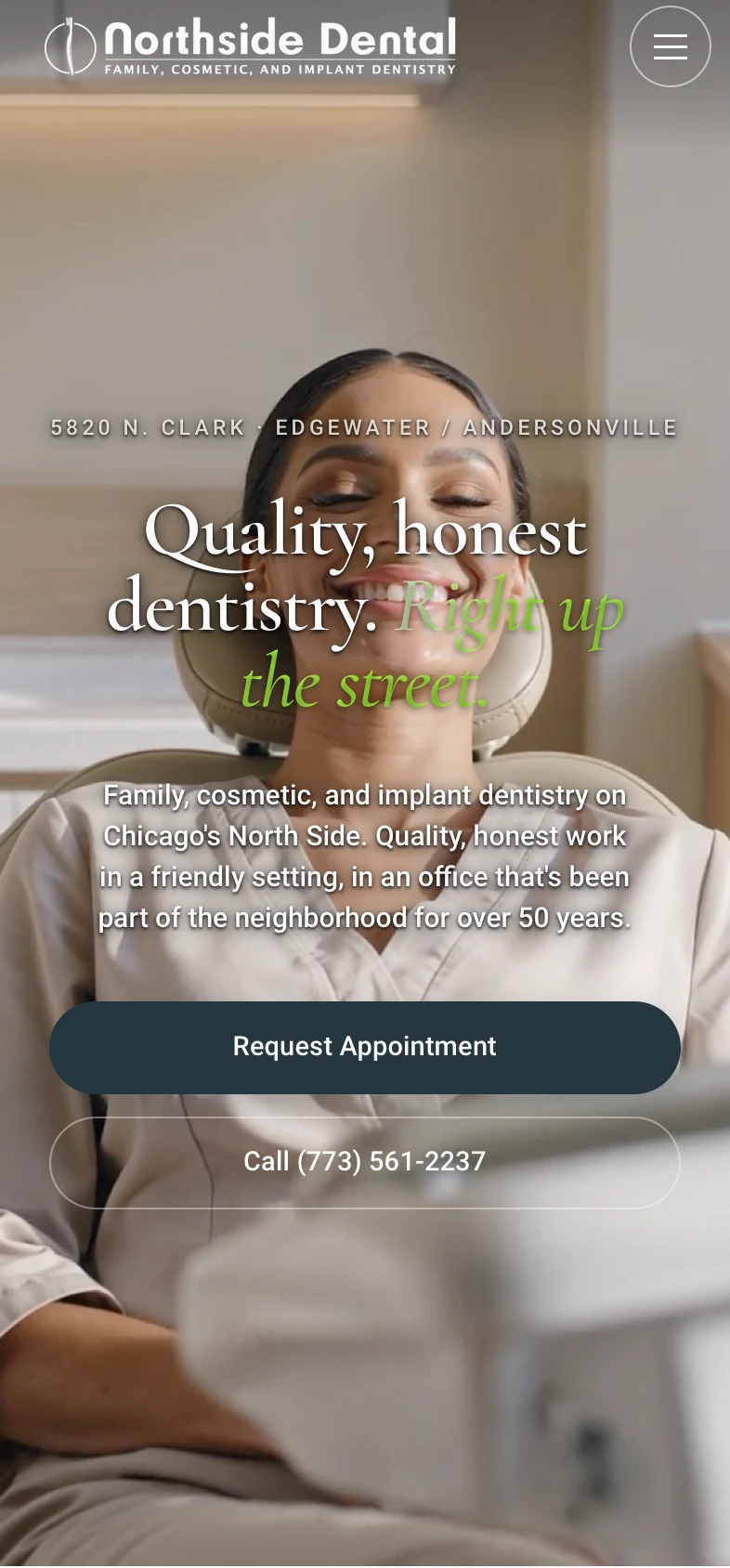
Single-practice dental work
A clear next step.
At every step.
- Find the right careSeven service lines, with dedicated treatment pages.
- Meet the teamDoctor profiles before the appointment decision.
- Reach the appointment requestRequest Appointment and tap-to-call on mobile.
20%+ more new patients in the first month. 57 vs a prior average of 47, practice-reported.
How to read this result
This single-practice result does not establish website or SEO attribution and is not a forecast for a dental group. See the counts and calculation.
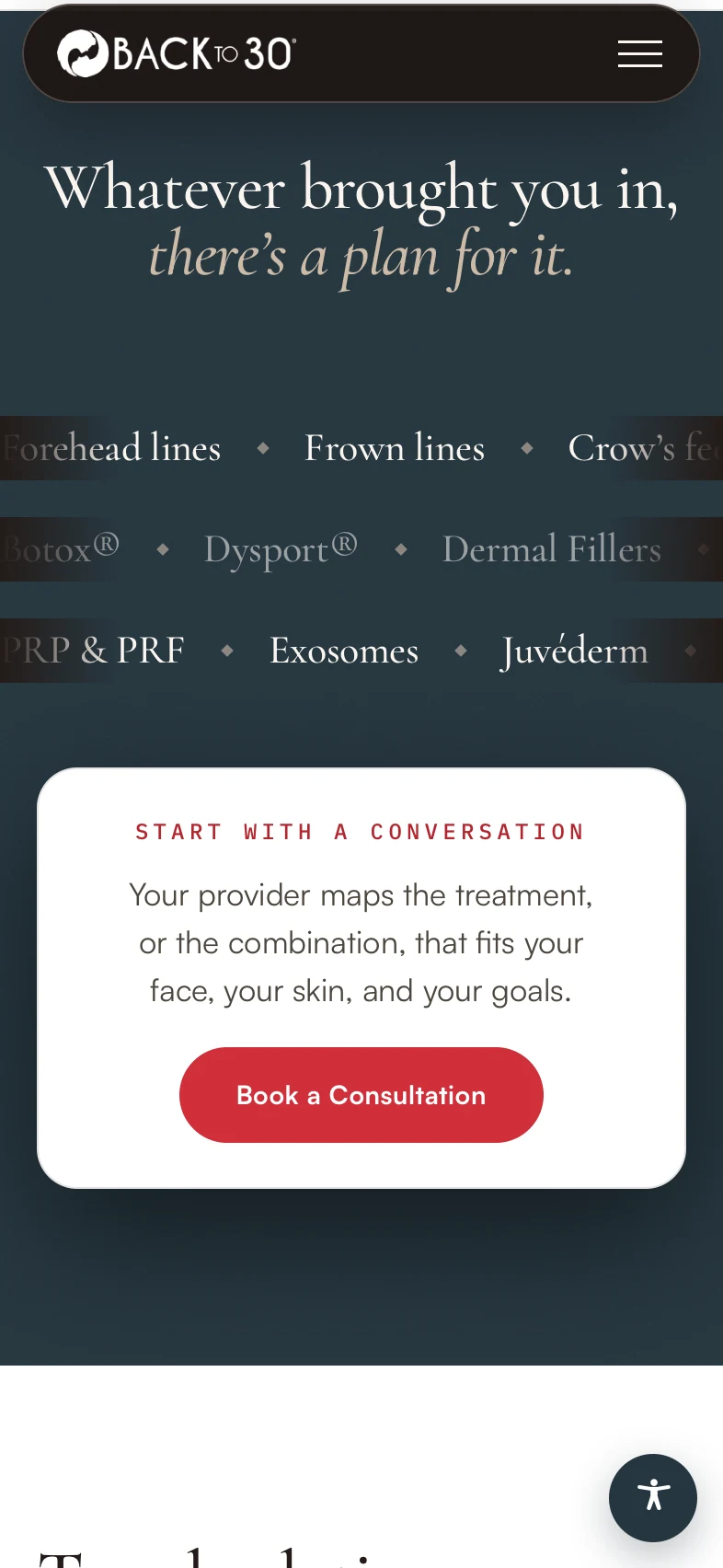
Four-clinic medical aesthetics work
One experience.
The right clinic.
- Explore a treatmentTreatment information within a shared website.
- Choose a clinicFour locations, each with its own details.
- Follow the booking pathClinic selection connects to the relevant booking destination.
The group example shows location structure and booking paths. This is medical aesthetics work, not a dental group result.
Explore the four-clinic projectWhat DSO website design has to solve
DSO web design
A DSO website has two jobs. It has to help a patient find the right office and book there fast. It also has to give your group one system that can take on new practices without a rebuild each time. DSO means dental support organization, a company that runs the business side of a group of dental practices.
Patients rarely search for your group. They search for a dentist near them, a specific office, or a treatment. Operators need one brand standard, clear reporting by office, and a way to add a location without starting over.
Good DSO website design serves both. The patient sees a local office with real hours, real staff, and a book button that goes to the right schedule. The group gets one set of templates and clear rules for who can change what.
How to structure DSO websites: one brand, separate sites, or hybrid
There are three common models. None is right for every group.
One brand, one site
All offices live on one domain, each with its own location page. This is the simplest to run and keeps search strength in one place. It fits groups where every office shares one name. A location page is a page on a website for one office, with its own address, hours, phone and services.
Separate practice sites
Each practice keeps its own domain and brand. This protects local names patients already trust. The cost is more sites to update and search strength split across domains.
Hybrid
A group site holds the shared brand, while some practices keep their own name. It needs the clearest rules, or it drifts.
The location page template
Every office page should come from the same template, so the newest page is as complete as the first. Each page needs:
- Office name as patients know it, plus the group name
- Full address, written exactly as it appears on Google
- Phone number and hours, including holiday closures
- A book button tied to that office's schedule
- Services offered at this office, not the whole group list
- Dentists and team, with real photos, names, and roles
- Insurance and payment notes
- Parking, accessibility, map, and directions
- Real photos of the office
- Languages spoken
- Links to nearby offices in the group
Structured data for each location
Structured data is a small block of code that tells search engines plain facts: this is a dental office, and here are its name, address, phone, and hours. The common type is Dentist, a kind of LocalBusiness.
Each location page should carry its own block, with a link back to the parent group. Those facts should match the page and the office's Google Business Profile exactly. When hours change, the page and the code should update from the same field, so they never disagree. This does not guarantee rankings. It removes confusion about which office is which.
DSO websites need the right booking path.
Each office page's book button should open that office's schedule, not a general form someone sorts later. If an office books by phone only, the button calls that office.
How booking connects to your practice management system or booking tool depends on what each office runs today. That is agreed in scope, office by office, before the build starts. We do not promise a specific connection until we have seen your setup.
Multi-location dental group websites: how the pieces fit together
A dental group can run one website for many offices by giving each office its own record and its own location page, all under one shared brand. That one record should feed the page, the local schema, the booking link and the business listings, so patients see the same details everywhere.
One record per office. Each office has one set of facts: name, address, phone, hours, booking link and map pin. The location page shows those facts. The schema for that office uses them. The book button points to that office's link. Your Google Business Profile and other listings should match the record word for word. When a fact changes, change it once on the site, then update each listing.
Keep name, address and phone the same everywhere. These three facts, often called NAP, should read the same on the location page, in the footer, in schema and in every listing. Pick one format and use it every time. Small gaps, like "Suite 200" in one place and "Ste 200" in another, may make it harder for search engines and patients to trust the details.
What stays central. The group owns the brand, design, page templates, service pages and legal text such as privacy notices. One central owner should control these. That keeps every office page on brand and keeps one approved version of the legal wording.
What each office edits. Office managers can update their own hours, holiday closures, team bios, photos and short local notes, like parking or the nearest bus stop. They should edit their own office only.
A simple review step. We suggest every office edit gets a quick check before it goes live. One central person reads the change and confirms that hours and phone still match the office record. If an address or phone number changes, that person also updates the listings the same day.
With this setup, adding an office may mean one new record and one new page, not a new website. We agree who edits what, and how review works, in scope before the build starts.
What should happen when an office moves or closes?
Change the office record first, so the page, schema and booking link all use the new facts. Update Google Business Profile and other listings on the same day. If an office closes, keep a short page that points patients to the nearest open office, and mark the listing closed in Google Business Profile.
Should each office use its own phone number?
Use the local number on that office's Google Business Profile, and show it the same way on the page, in schema and in listings. A central group number can sit in the header, but each location page should list its own office number so patients reach the right front desk.
A 9-location dental group we built for
We built a new website, location pages and online booking for a multi-location dental group with 9 locations. The booking runs through our Patient Growth System. The group gained 18+ new patients in the first month. In month two, new patients ran 17% above the group's usual monthly growth. We can't share the group's name.
What happens to the site when you acquire a practice
Our guide to redesigning a website without losing SEO goes deeper. The short checklist:
- List every URL on the old site before anything changes
- Keep URLs that still make sense, or map each to its closest new page
- Update the Google Business Profile: website link, name, hours, phone, photos
- Point booking to the right schedule from day one
- Fill in every location page field before launch
- Add the office to navigation, the location finder, and structured data
- Watch search data after launch and fix broken paths
Building a DSO marketing website one location at a time
A DSO marketing website does not have to launch everywhere at once.
- One location first. Build the template, booking path, and structured data for a single office. Watch how patients use it.
- Fix what you learn before the template multiplies.
- Roll out to the group in batches your team can review.
- Add new acquisitions with the checklist above.
If something is wrong, it is wrong on one page, not across the group. If you are replacing an older site, our website redesign process covers the move.
What goes in a quote, and how to compare quotes
A quote for a DSO site should list:
- Which structure you are getting
- Which templates are included
- How many location pages are included, and the cost to add more
- Which booking connections are in scope, office by office
- Redirect mapping and migration work
- Structured data for each location
- Who writes content and who supplies photos
- What is billed separately after launch
For us, ongoing SEO is not automatically part of the build. If you want it, we quote it on its own. See our pricing for how we price work.
Compare the rollout, not just the total.
Separate shared design from location content, booking connections and migration. Record what each agency includes before choosing a quote.
Compare website quotesExplore our dental website design service, or read our dental website design guide.
Fair questions,
straight answers.
Should each practice in our DSO have its own website?
Not always. Use one group site when offices share a name and patient promise. Keep separate sites when patients know a practice by its own name and that name will stay. Some groups use a hybrid. Test each office: does its name carry trust, will it keep that name, and does it need content the group site cannot hold? If you are unsure, start with a location page.
Will we lose search traffic when we move an acquired practice onto our site?
You can lower that risk with planning. Save every old URL and set up 301 redirects before launch. Update the Google Business Profile website link the same day. Then watch search data and fix any broken paths.
Can each location have its own online booking?
Yes. Each office page gets its own book button tied to that office's schedule. If an office books by phone only, the button calls that office. How booking links to your practice management system or booking tool is agreed in scope, office by office, after we see what each office uses. We do not promise a named connection before that review.
Who owns the website and hosting?
Your group should. It should own the domain, the hosting account, and the code. Settle this in writing before launch. Ask every vendor the same question before you sign: if we part ways, what do we keep? The answer should be everything.
Is ongoing SEO included in the build?
Not automatically. The build covers the site basics agreed in scope, such as clean structure, location pages, structured data for each office, redirects, and fast pages. Ongoing work, such as new content, local listing upkeep, and reporting, is separate. If you want it, we quote it on its own, so you can see exactly what you are paying for.